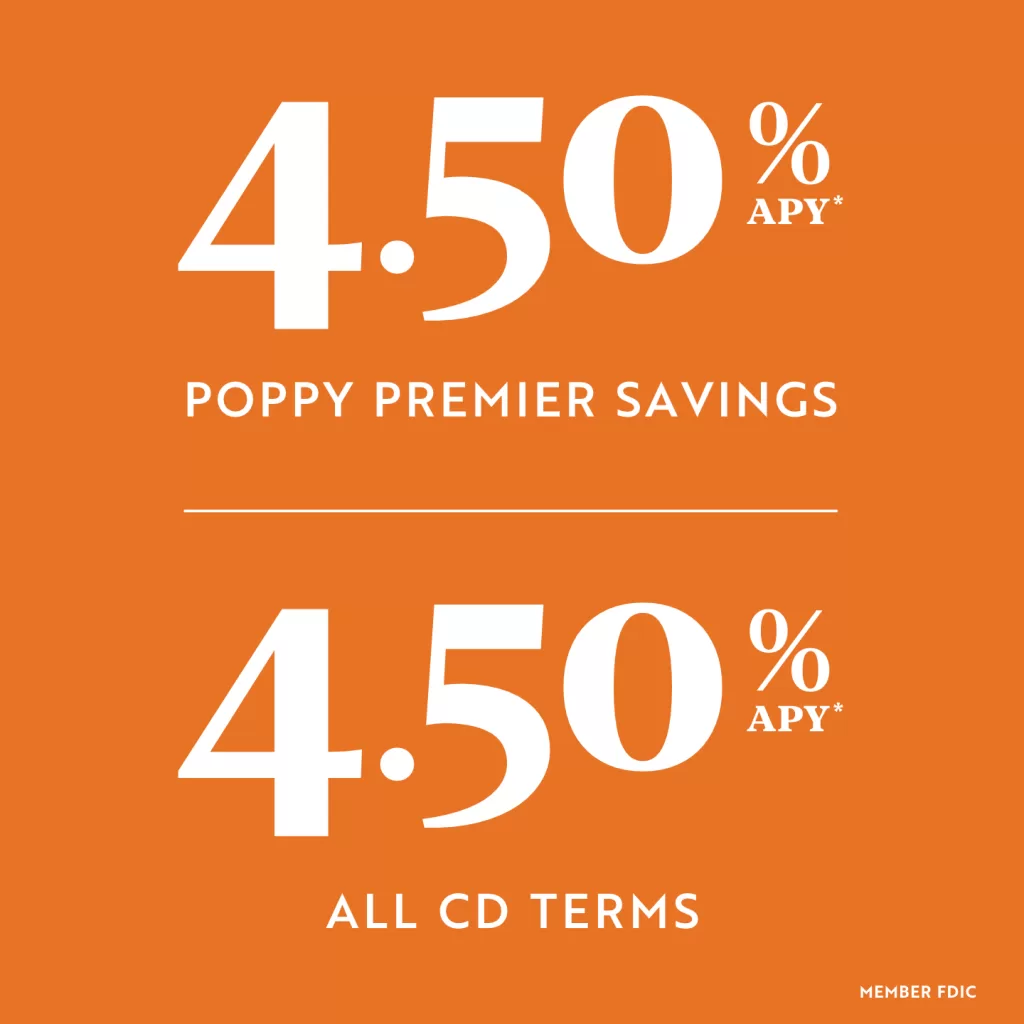


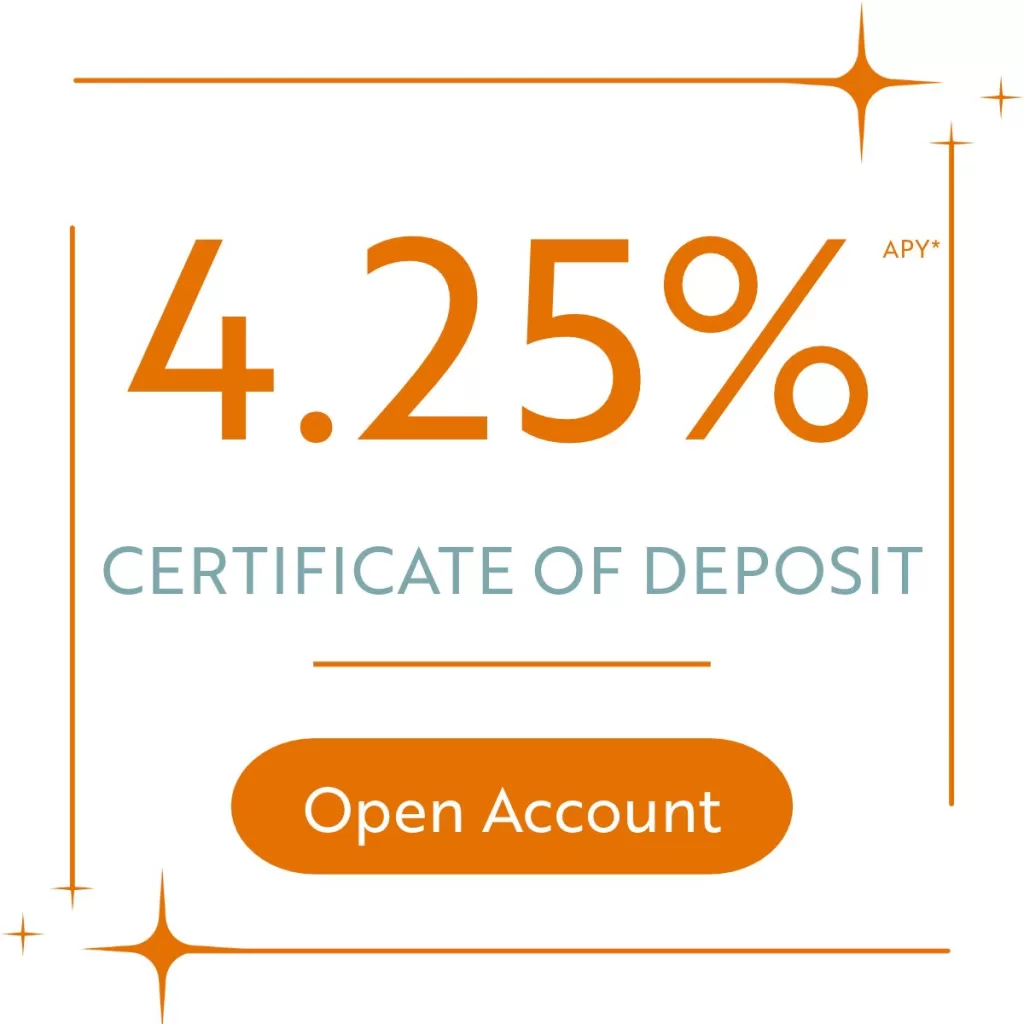
*The promotional Annual Percentage Yield (APY) for the Online Certificate of Deposit (Online CD) is accurate as of September 24, 2026 and is only available when applying online. The promotional 4.25% APY is available on 12-, 18-, 24-, 36-, 48- and 60-month terms. Interest will be compounded daily and credited to your account monthly. Fees or withdrawals of principal or interest could reduce earnings. Early withdrawals are subject to penalties. The minimum opening balance is $1,000, which must be maintained to obtain the advertised APY. At maturity, the Online CD will automatically renew for the same term at the then-current rate for that term. A grace period of seven days following the automatic renewal will be provided to withdraw funds without penalty.
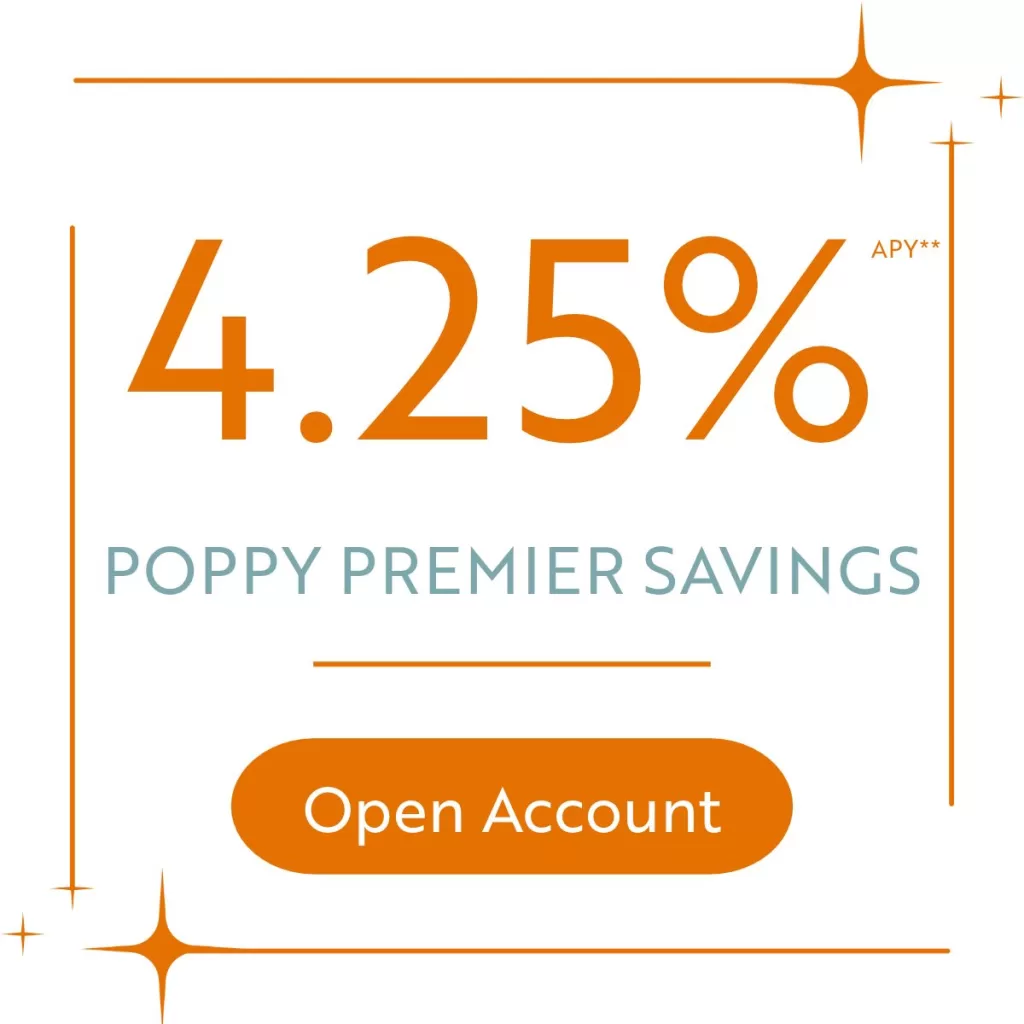
**The promotional APY for the Online Poppy Premier Savings (Online Savings) is accurate as of September 28, 2026 and is only available when applying online. The rate may change after the account is opened. A minimum balance of $1,000 must be maintained to obtain the advertised Annual Percentage Yield. Electronic statements must be activated, and enrollment maintained, to avoid a monthly $5.00 paper statement fee. Refer to the Terms and Conditions of Your Account and the Personal Schedule of Fees & Charges disclosures for additional details pertaining to your account. Fees and withdrawals of principal or interest could reduce earnings.
Frequently Asked Questions:
Can I open an Online CD or Online Savings (collectively referred to as “Online Account”) in the name of my business, trust, or other organization?
Online applications may only be submitted for individual and joint account holders. Businesses, trusts, and other legal entities are not eligible for an Online Account.
Can beneficiaries be added to my Online Account?
Yes, you will have an opportunity to add beneficiaries to your Online Account during the online application process.
Can the interest rate change on my Online CD after the account is opened?
The interest rate on your Online CD will not change during the initial term. At maturity, the Online CD will automatically renew for the same term at the then-current rate for that term.
Do I have to renew my Online CD when it matures?
Your Online CD will automatically renew at maturity, but a grace period of seven days following the automatic renewal will be provided to withdraw funds without penalty.
Can the interest rate change on my Online Savings after the account is opened?
The interest rate on your Online Savings may change at any time.
Will you collect private information during the online application process?
Similar to the process for opening an account at a Poppy Bank Branch, we will collect private information, including your name, address, social security number, date of birth, mother’s maiden name, email address, and cell phone number, amongst other items. This information is required by banking regulations and will be used to verify your identity and to mitigate the risk of fraud. For various reasons, there is a possibility the information you provide will require further analysis by Poppy Bank staff, which may delay the opening of your Savings account. We may contact you if we determine additional information is needed. Links to our Privacy Policy and CCPA Privacy Notice are provided at the bottom of this webpage.
What is the minimum amount required to open my new Online CD and what are the options to fund the account?
The minimum amount required to open your Online CD is $1,000. During the application process, you will be directed to securely connect an existing bank account at another financial institution, and your new Online CD will be funded through a direct ACH payment from the account you designate at the other financial institution. Funding your Online CD at a later date is not permitted, and your Online CD will not be opened if you are unable to fund it during the application process by connecting an existing account at another financial institution.
What is the minimum amount required to open my new Online Savings and what are the options to fund the account?
There is no minimum required to open your Online Savings, but a minimum daily balance of $1,000 must be maintained to obtain the advertised Annual Percentage Yield. During the application process, you will be directed to securely connect an existing bank account at another financial institution, and your new Online Savings will be funded through a direct ACH payment from the account you designate at the other financial institution. If your Online Savings is approved but for any reason you are unable to connect to another account, you can later enroll in online banking after your Online Savings is opened, where you can set up an external account from which to transfer funds to your new Online Savings.
Funding your Online Savings account using a check, wire, or other payment source cannot be done through our online account application process.
You may also visit a Poppy Bank Branch to make a deposit to your Online Savings once it is opened.
What are the options for withdrawing funds from my Online CD?
You may contact us at (888) 636-9994 to request a withdrawal of funds from your Online CD. Early withdrawals are subject to a penalty of 3% of the amount withdrawn. A grace period of seven days following the automatic renewal will be provided to withdraw funds without penalty.
What are the options for withdrawing funds from my Online Savings?
If you enroll in online banking following the opening of your Online Savings, you may use our external transfer feature to deposit to or withdraw funds from your Online Savings. The following disclosures pertain to external transfers conducted through online banking:
The external transfer service allows you to transfer funds between your deposit accounts at Poppy Bank and certain deposit accounts at other financial institutions. You will need to enroll each of your non-Poppy Bank accounts that you wish to use for this external transfer service. You agree that you will only attempt to enroll accounts for which you are the owner and have the authority to transfer funds. All accounts requested to be used as part of this external transfer service will be verified in accordance with Poppy Bank’s procedures. The verification process must be completed by you prior to using the electronic transfer service. Verification instructions are displayed to you during the enrollment process.
Funds requested to be transferred out of your Online Savings that are not yet determined to be fully collected will only be approved and processed if they are returned to the account used to fund your Online Savings account. Exceptions to this policy may be approved on a case-by-case basis. If your transfer is approved, the funds will be debited from your Online Savings the business day following the day you initiate the transfer, provided you have met the cutoff time for submitting external transfers.
Funds requested to be transferred to your Online Savings will be credited to your account within three business days following the day you initiate the transfer, provided you have met the cutoff time for submitting external transfers. In the case of a future-dated or recurring transfer, these time limits will be the business day following the scheduled date of the transfer. The cutoff time for initiating transfers is 3:00 PM Pacific Time. Funds requested to be transferred will be debited/credited to the non-Poppy Bank account according to the receiving bank’s availability and transaction processing schedule.
External transfers are subject to limits on both the number of transactions and the total dollar amount, at Poppy Bank’s discretion. Standard external transfer limits are up to $100,000 daily and $250,000 monthly, unless otherwise agreed upon by you and Poppy Bank. Limits will apply to the total of all external transfers for all accounts enrolled in the Electronic Transfer service. Poppy Bank may change your dollar and transaction limits at any time.
A transfer may not be completed if we believe it is not genuine, conflicts with another instruction or relates to funds or an account over which there is a dispute or restriction on withdrawal, or if we suspect the transfer in question results from a breach in the confidentiality of a security procedure or relates to an account or service that we suspect is being used for, or is the target of, fraudulent or illegal activity.
Will I be able to obtain a debit or ATM card, use Zelle, or use mobile deposit services with my new Online Account?
Debit and ATM cards, Zelle, and mobile deposit services are not available for Online Accounts. Please refer to the prior question and response for options to access funds in your new Online Account.
How is interest for Online Accounts accrued and paid?
Interest will be compounded daily and credited to your Online Account monthly. We use the daily balance method to calculate interest on your account. This method applies a daily periodic rate to the principal in the account each day. For Online Savings, interest begins to accrue on the business day we receive your deposit. You must maintain the minimum balance requirement in the account each day to obtain the disclosed annual percentage yield. If you close your account before interest is credited, you will receive your accrued interest.
How is interest income earned from my Online Account taxed?
Interest income earned from your Online Account will be reported as income on your form 1099-INT from Poppy Bank for the year in which it accrues.
When and how will I receive statements?
Account statements are prepared quarterly. For the Online Savings, a monthly statement will be prepared for any month in which you conduct an electronic transaction. If you elect for electronic statements, they will be accessible through Poppy Bank’s online or mobile banking platform. Otherwise, a paper statement will be mailed to the address associated with your Online Account. A $5.00 per month paper statement fee will be assessed for the Online Savings if you do not elect for electronic statements.
Can I open more than one Online Account?
Only one Online Savings is permitted per applicant. There is no limit to the number of Online CDs that may be opened.